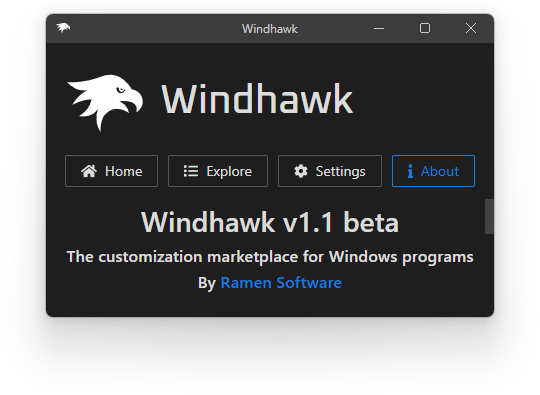
I’m pleased to announce a new version of Windhawk, the tool that aims to make it easier to customize Windows programs. This version focuses on the ability to translate Windhawk to other languages, and on important stability improvements and bug fixes.
Get the new Windhawk version here.
Read More…
Posted in
Software,
Updates on January 25th, 2023.
No Comments.
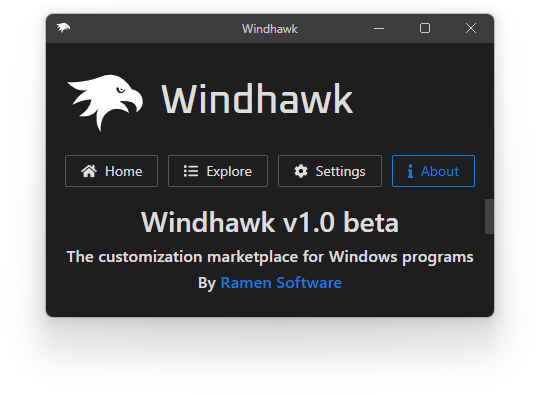
Windhawk, the tool that aims to make it easier to customize Windows programs, was announced in March this year. After about 10 months of user feedback, and after some attempts at mod development, I’m pleased to announce Windhawk v1.0, the first major Windhawk update. Most of the changes and novelties in this version are based on user feedback, and some of them fill important gaps.
Even though v0.9.2, the previous version, lacked some basic options such as a process exclusion list, it was fairly stable according to user feedback and rarely caused problems. Most reported incompatibilities can now be solved with the option to exclude processes in Windhawk, and so I’m marking this version 1.0, but since it wasn’t field-testsd yet, I’m keeping the “beta” label.
Get the new Windhawk version here.
Here are some of the notable changes in the new version:
Read More…
Posted in
Software,
Updates on December 25th, 2022.
11 Comments.
In the Windhawk mods for the Windows 11 taskbar blog post, I asked you to vote for taskbar features that you’d like to see as Windhawk mods. One of the features, which was also mentioned several times in the comments, is the ability to show labels in taskbar buttons, just like it was possible to do in Windows 10.
Here’s the mod that implements it, enjoy:
Taskbar Labels for Windows 11
Read More…
Posted in
Software,
Updates on August 22nd, 2022.
24 Comments.
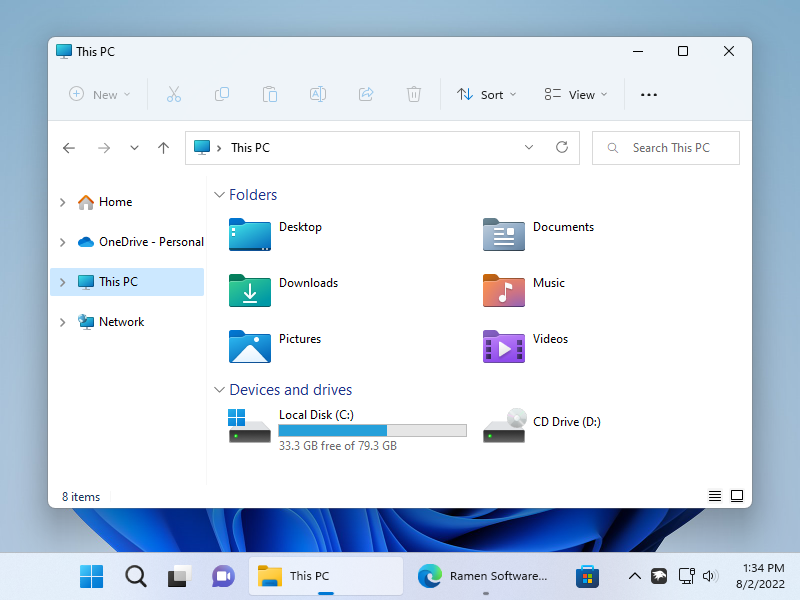
In the Windhawk mods for the Windows 11 taskbar blog post, I asked you to vote for 7+ Taskbar Tweaker features that you’d like to see as Windhawk mods that can also be used on Windows 11. One of the most voted features was the ability to change the size of taskbar icons.
Here’s the mod that implements it, enjoy:
Change the size of taskbar icons
Before – blurry 24×24 icons:

After – original quality 32×32 icons:

Posted in
Software,
Updates on July 16th, 2022.
9 Comments.
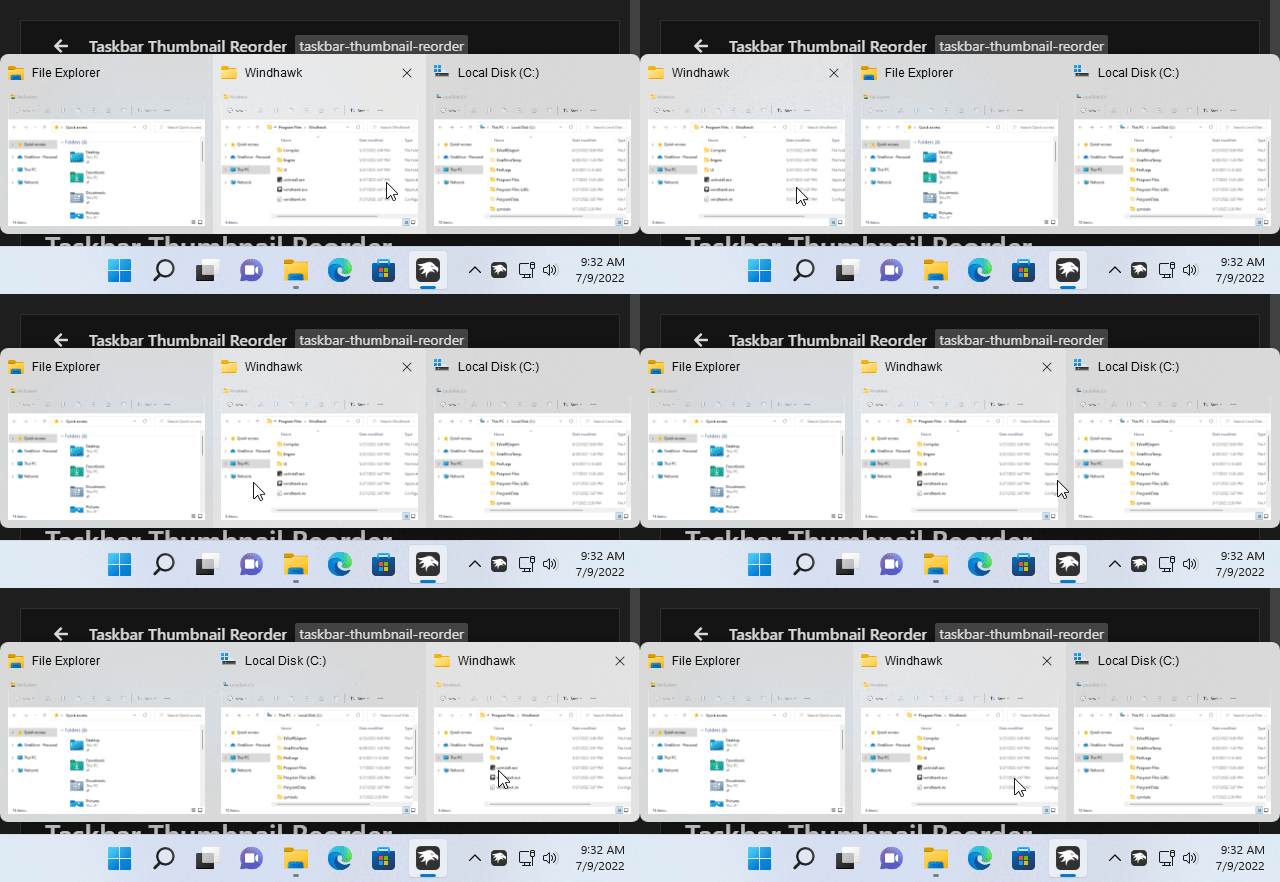
In the Windhawk mods for the Windows 11 taskbar blog post, I asked you to vote for 7+ Taskbar Tweaker features that you’d like to see as Windhawk mods that can also be used on Windows 11. The second most requested features was the option to reorder taskbar thumbnails with the left mouse button.
Here’s the mod that implements it, enjoy:
Taskbar Thumbnail Reorder
Posted in
Software,
Updates on July 9th, 2022.
35 Comments.
Textify v1.10 comes with small but powerful enhancements that were requested by several users. The main enhancements are around the text popup, which can now be resized and edited. After resizing or editing the content, the text popup becomes pinned, and stays on the screen until it’s closed.
Read More…
Posted in
Software,
Updates on May 28th, 2022.
1 Comment.
Textify is a tool which allows to copy text from dialogs and controls which don’t allow it otherwise. The core functionality of Textify is implemented with user interface accessibility which is provided by Windows. Until version 1.9, Textify was using Microsoft Active Accessibility (MSAA) which is available since Windows 95. With Windows 7, Microsoft introduced Microsoft UI Automation as a successor to MSAA. Since both frameworks worked equally well when Textify was created, I made Textify use MSAA which allowed it to support older systems as well.
But now it seems that some of the new technologies in Windows no longer support the old MSAA framework. This can be quite noticeable in Windows 11, where prominent elements such as the taskbar don’t support MSAA. To adapt to the new lack of support for MSAA, Textify now uses Microsoft UI Automation by default. Note that while the results are mostly the same, there can be subtle differences, and so it’s possible to get back to using MSAA by changing the settings in Textify.
Below are a couple of examples which compare the old MSAA which was used before v1.9 to the new Microsoft UI Automation.
Read More…
Posted in
Software,
Updates on May 20th, 2022.
No Comments.
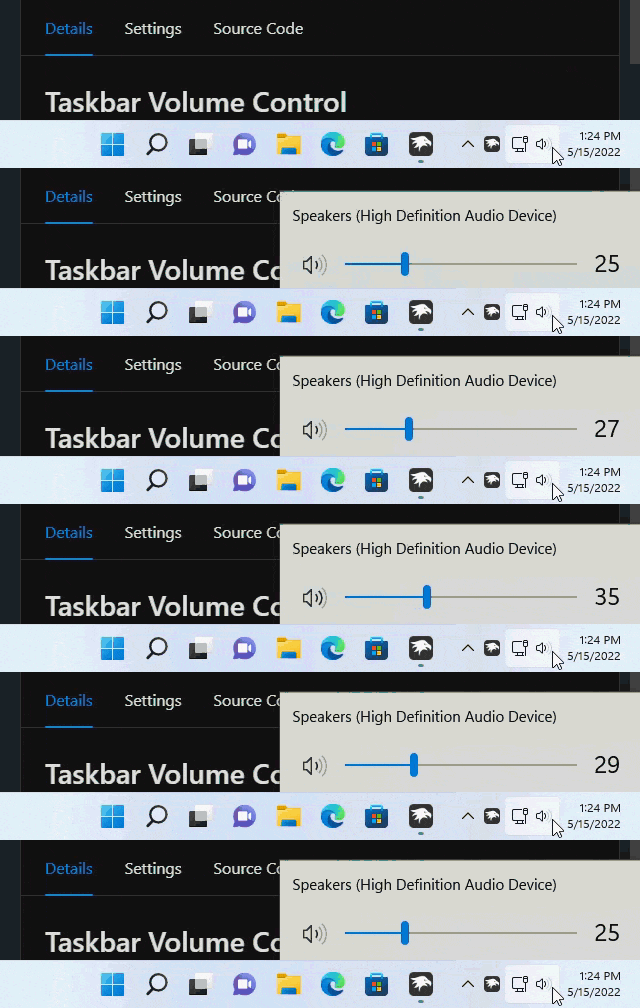
In the previous blog post, Windhawk mods for the Windows 11 taskbar, I asked you to vote for 7+ Taskbar Tweaker features that you’d like to see as Windhawk mods that can also be used on Windows 11. One of the highly requested features was the option to control the system volume by scrolling the mouse wheel over the taskbar.
Here’s the mod that implements it, enjoy:
Taskbar Volume Control
Posted in
Software,
Updates on May 19th, 2022.
3 Comments.
A few weeks ago, Windhawk, the customization marketplace for Windows programs, was released. You can read the announcement blog post for more details and for the motivation behind creating it. One of the sections of the blog post was dedicated to 7+ Taskbar Tweaker.
Regarding the future of 7+ Taskbar Tweaker: It will keep existing as a separate program which supports Windows 7 to Windows 10. As mentioned in a recent blog post, most parts of the taskbar were reimplemented in Windows 11, and 7+ Taskbar Tweaker can’t be made to work with the new taskbar without a huge amount of work. My plan, at least in the short term, is to implement the most demanded customizations for Windows 11 as Windhawk mods.
Below is a table with features that are available in Windows 10 but are missing in Windows 11. Some of the features are part of Windows 10 (marked with the  icon) and some are part of 7+ Taskbar Tweaker (marked with the
  icon). Please vote for the features that you’d like to have back in Windows 11. I’ll prioritize implementing the most requested features as Windhawk mods. For each implemented feature, the page will be updated to reflect the current status.
Read More…
Posted in
Software,
Updates on May 2nd, 2022.
314 Comments.
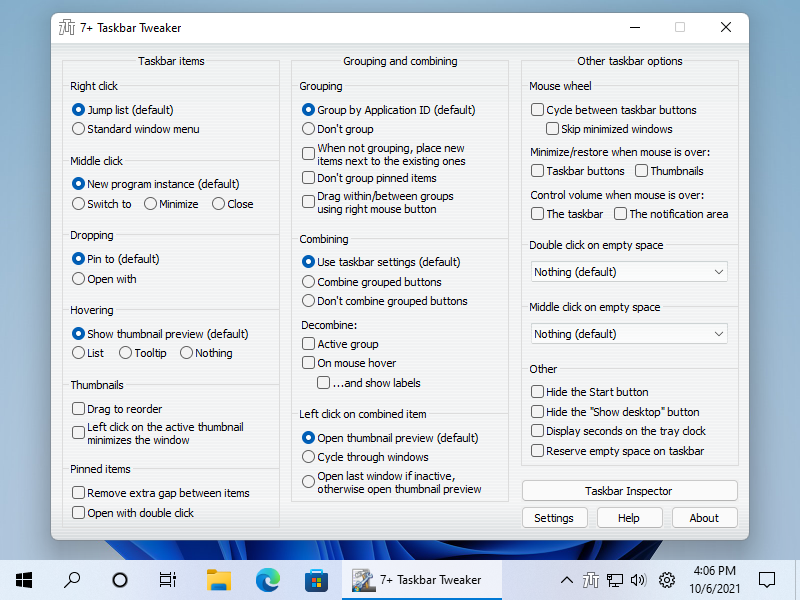
Windows 11 was officially released two days ago, and here’s another post about 7+ Taskbar Tweaker’s compatibility with it. In short: Nothing changed regarding the tweaker’s compatibility with the new Windows 11 taskbar, and probably never will, but there’s a way to get back the old taskbar, with which 7+ Taskbar Tweaker is mostly compatible.
Getting back the old taskbar in Windows 11
Let’s start with the good news. Even though Microsoft reimplemented the new Windows 11 taskbar from scratch as was mentioned in the previous blog post, the old taskbar code was left beside the new one, and there are several ways to activate it. Here is a great summary of the options by Gaurav, but I’ll just mention the steps that worked for me:
Read More…
Posted in
Software,
Updates on October 6th, 2021.
170 Comments.